Colour in code has too many formats — and they don't always mean what you think
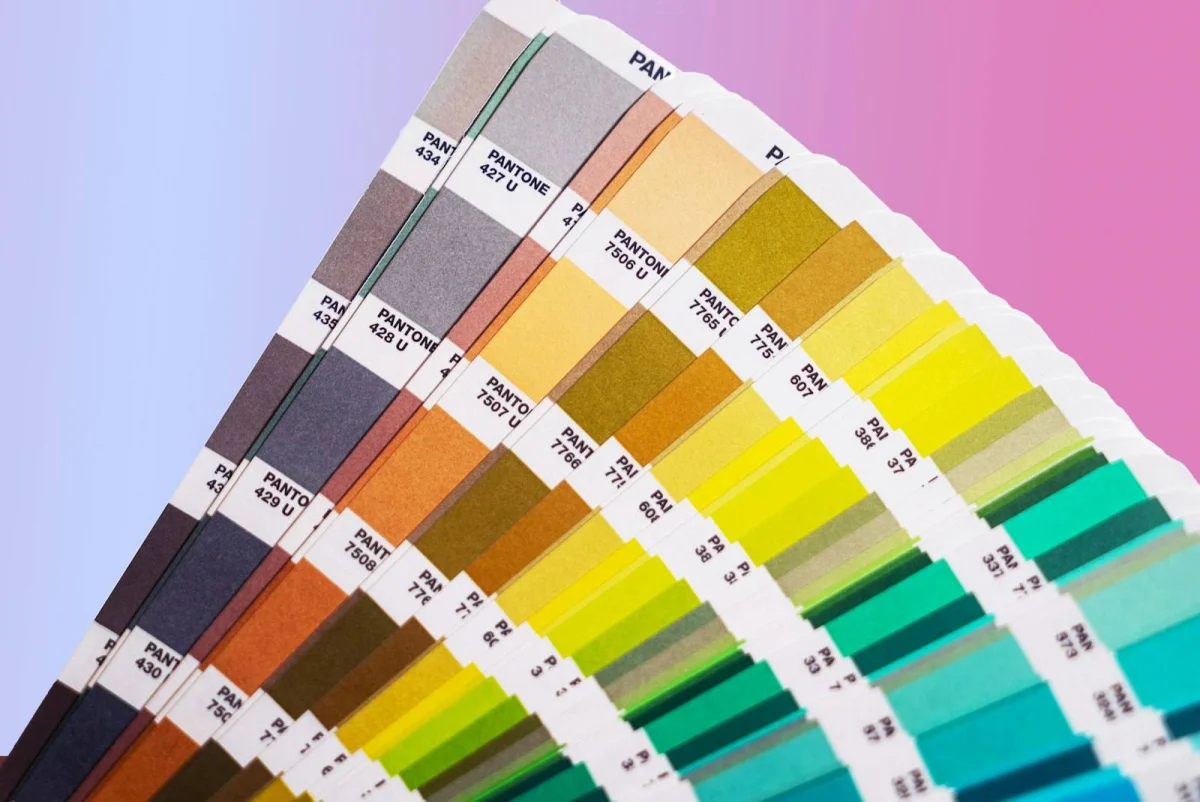
A designer hands you a brand colour: "Pantone 286." Your CSS needs a hex code. The design tool exports HEX. Your JavaScript animation library wants RGB. Your CSS gradient uses HSL. A colour calibration spec uses CMYK. These are all describing the same colour — just in different formats for different contexts.
A colour converter translates between these formats instantly. Paste in a hex code, get RGB, HSL, and HSV back. Enter an RGB value, get the hex equivalent. No more guessing or manually looking up conversions.
The Main Colour Formats
HEX (Hexadecimal)
The most common format in web development. A # followed by 6 hex characters (0–9, A–F) representing red, green, and blue in pairs.
#FF0000= pure red (R:255, G:0, B:0)#00FF00= pure green#0000FF= pure blue#FFFFFF= white#000000= black
Shorthand: #RGB where each digit is doubled — #F00 = #FF0000.
RGB (Red, Green, Blue)
Each channel from 0–255. Used in CSS (rgb(255, 0, 0)), HTML canvas, and most programming contexts.
rgb(255, 99, 71) = Tomato red
RGBA
RGB plus an alpha (opacity) channel, 0–1. rgba(255, 99, 71, 0.5) = 50% transparent tomato red.
HSL (Hue, Saturation, Lightness)
- Hue: 0–360° on the colour wheel (0/360 = red, 120 = green, 240 = blue)
- Saturation: 0–100% (0% = grey, 100% = fully saturated)
- Lightness: 0–100% (0% = black, 50% = normal, 100% = white)
hsl(9, 100%, 64%) = Tomato red
HSL is often easier for designers to reason about — you can adjust lightness and saturation independently without touching the hue.
HSV / HSB (Hue, Saturation, Value/Brightness)
Similar to HSL but uses "value" (brightness) instead of lightness. Used in Photoshop colour pickers and many design applications.
- HSV (255, 99, 71): H=9°, S=72%, V=100%
CMYK (Cyan, Magenta, Yellow, Key/Black)
Used for print. Each channel 0–100%. cmyk(0, 61, 72, 0) ≈ tomato red in print.
Note: RGB/HEX are screen (additive) colour models; CMYK is print (subtractive). The conversion between them is approximate — CMYK has a smaller colour gamut than RGB, so some screen colours can't be reproduced in print accurately.
How to Use the Colour Converter on sadiqbd.com
- Enter a colour value in any supported format — HEX, RGB, HSL, HSV, or CMYK.
- Read the equivalent values in all other formats — the converter outputs all formats simultaneously.
- Copy the format you need for your specific tool or codebase.
Real-World Examples
Implementing a design spec in CSS
A designer provides brand colours in HEX:
- Primary:
#1A73E8(Google blue) - Secondary:
#34A853(Google green)
Your CSS animation uses HSL for easier lightness manipulation:
#1A73E8 → hsl(217, 89%, 61%)
Now you can easily create hover states: lighten to 71%, darken to 51%, desaturate to 40% — all without guessing.
Matching a Photoshop colour in CSS
Photoshop shows a colour as HSB: H=196°, S=76%, B=71%.
Convert HSB to HEX: → #2D9EAC
CSS: color: #2D9EAC;
Creating accessible colour contrasts
You want to check whether your text colour meets WCAG contrast requirements. Your background is #2D9EAC. Convert to relative luminance (requires RGB first):
#2D9EAC → rgb(45, 158, 172) → calculate relative luminance for contrast ratio checking.
The colour converter gives you the RGB values needed for this calculation.
Communicating colours between design and development
A designer works in Figma (exports HEX). A backend developer works in Python with Pillow (uses RGB tuples). A report generator uses CMYK for PDF output.
Same colour, three formats — the converter handles the translation for each handoff.
Colour Spaces and Their Limits
Screen vs. print colour gamut. RGB monitors can display colours that CMYK printers can't reproduce — particularly vivid blues and some greens. When converting from RGB to CMYK, some colours get "clipped" (approximated). This is unavoidable; it's a physical limitation of ink.
HSL vs. HSV. Both use hue and saturation but define the third dimension differently. HSL at full saturation and 50% lightness = pure, vivid colour. HSV at full saturation and 100% value = the same. They look identical at those settings but diverge toward white and black.
Colour profiles. HEX and RGB values assume a colour profile (typically sRGB for web). The same HEX code can look slightly different on an uncalibrated monitor vs. a professionally calibrated one. This matters for print design but is largely irrelevant for web work.
Useful Colour References for Web Developers
| Colour | HEX | RGB | HSL |
|---|---|---|---|
| Pure red | #FF0000 | 255,0,0 | 0°,100%,50% |
| Pure green | #00FF00 | 0,255,0 | 120°,100%,50% |
| Pure blue | #0000FF | 0,0,255 | 240°,100%,50% |
| White | #FFFFFF | 255,255,255 | 0°,0%,100% |
| Black | #000000 | 0,0,0 | 0°,0%,0% |
| Mid grey | #808080 | 128,128,128 | 0°,0%,50% |
Tips for Working With Colours in Code
Use HSL in CSS for programmatic colour manipulation. Adjusting lightness in HSL is far more intuitive than adjusting RGB values. CSS custom properties with HSL make theming (light/dark mode, hover states) dramatically cleaner.
HEX is fine for static colours. For colours that don't change dynamically, HEX is the most compact and widely supported format in CSS.
Always specify opacity separately if needed. HEX supports 8-digit notation for alpha (#FF000080 = 50% red) but browser support is newer. rgba() or hsla() is safer for opacity across older browsers.
8-digit HEX for alpha. Modern CSS supports #RRGGBBAA where the last two characters are the alpha. #FF000080 = 50% transparent red. Useful but check your target browser support.
Frequently Asked Questions
Can I convert a colour name like "tomato" to HEX?
CSS named colours map to specific HEX values — "tomato" = #FF6347. The colour converter works with explicit values rather than named colours, but most named colours are easily found in CSS documentation.
Why does CMYK conversion look different from my screen colour? CMYK has a narrower colour gamut than RGB. Some vivid screen colours (electric blue, bright green) simply can't be reproduced in ink, so the CMYK equivalent is an approximation — typically slightly muted.
What's the difference between HSL and HSV? Both have hue and saturation, but the third dimension differs. HSL uses lightness (0% = black, 100% = white). HSV uses value/brightness (0% = black, 100% = full brightness). Adobe products (Photoshop, Illustrator) use HSV; CSS uses HSL.
Is HEX case-sensitive?
No — #ff6347 and #FF6347 are identical. CSS treats them the same; most development tools accept either case.
Is the colour converter free? Yes — free to use, instant results, no sign-up.
Colour format translation is one of those small friction points that slows down every design-to-code handoff. The colour converter removes it — paste in any format, get all formats out, move on.
Try the Colour Converter free at sadiqbd.com — instant conversion between HEX, RGB, HSL, HSV, and CMYK.