Your smartphone counts steps differently than a clip-on pedometer, and both count differently from a wrist-worn fitness tracker — and the gap between them can be substantial
Step-counting technology has evolved from simple mechanical pedometers to sophisticated sensor arrays in smartphones and wearables, but the underlying challenge remains the same: distinguishing a genuine walking step from all the other ways a device can move (being carried in a bag, sitting in a vibrating vehicle, arm movements while not walking). Understanding how these devices actually detect steps explains both their usefulness and their well-documented inconsistencies.
How accelerometer-based step counting works
Modern step counters — in smartphones, wrist-worn trackers, and clip-on devices — primarily use accelerometers, which detect changes in motion and orientation. The basic principle:
Pattern recognition: walking produces a relatively distinctive repeating pattern of acceleration — each step creates a characteristic "bounce" as the body's centre of mass rises and falls. The device's software analyses the accelerometer data stream looking for patterns matching this walking signature, distinguishing it from other types of movement.
Threshold and filtering: raw accelerometer data is noisy — algorithms apply filtering (removing very small movements that wouldn't represent a step) and thresholds (requiring a minimum intensity of movement to count as a step) to reduce false positives from small movements like adjusting position while seated.
The fundamental challenge: any movement that produces an accelerometer signal resembling the walking pattern can potentially be counted as steps — and conversely, walking patterns that differ from the "typical" pattern the algorithm expects (very slow walking, walking with a different gait due to injury, pushing a stroller or shopping trolley which changes arm-swing patterns for wrist-worn devices) can be undercounted.
Wrist-worn vs hip/pocket-worn: different error patterns
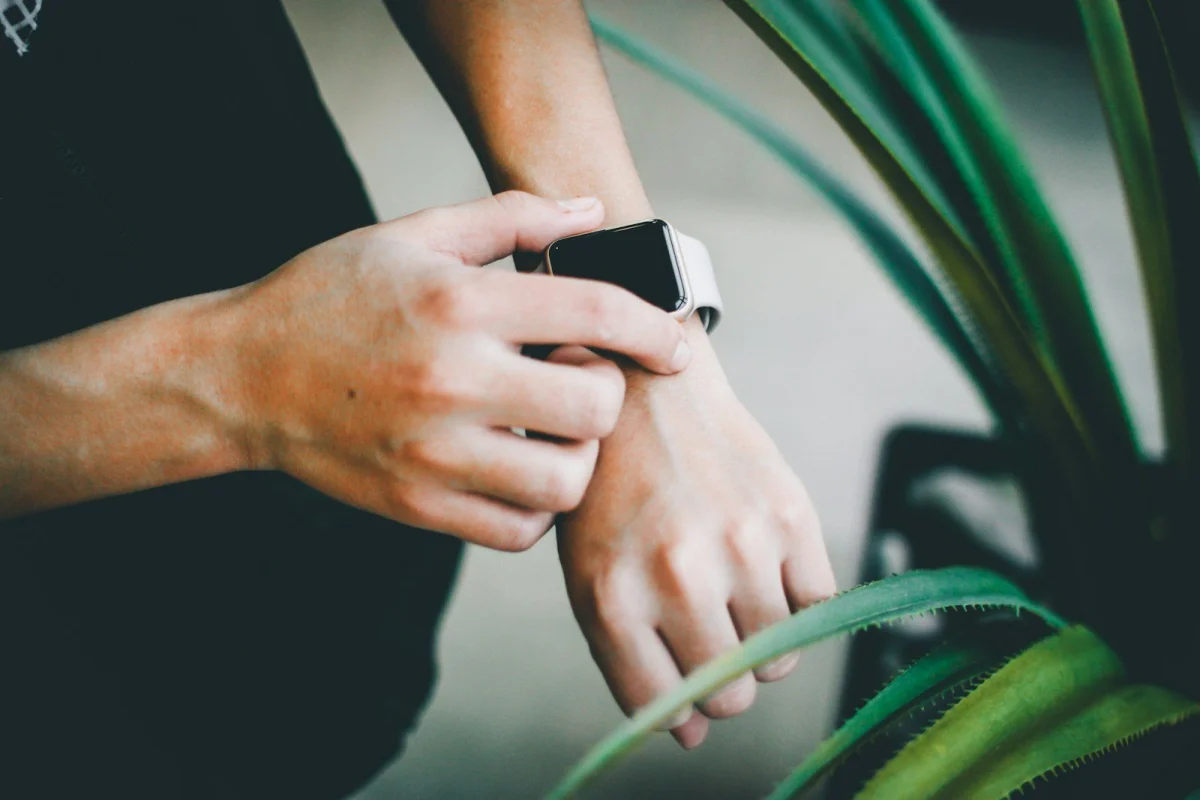
Wrist-worn devices (smartwatches, fitness bands): rely partly on arm-swing patterns, since the device is on the wrist. This creates specific error patterns:
- Overcounting: activities involving repetitive arm movement without walking — washing dishes, certain types of work, some types of exercise (rowing, certain weightlifting) — can register as steps on wrist-worn devices
- Undercounting: activities where the arms don't swing normally during walking — pushing a stroller, pushing a shopping trolley, carrying items in both hands, walking with hands in pockets — can result in fewer steps being detected for actual walking distance covered
Hip-worn or pocket-worn devices (traditional pedometers, smartphones in a pocket): rely more directly on the vertical bounce of the torso/hip during walking, which tends to correlate more directly with actual steps regardless of arm position — generally considered to have somewhat more consistent step detection for walking specifically, though they have their own limitations (a phone left in a bag rather than a pocket may undercount significantly, since the bag doesn't move with the same pattern as the body).
Validation studies: how accurate are consumer devices really?
Numerous studies have compared consumer step-counting devices (various smartphone apps and wearable brands) against criterion measures — typically direct observation (a researcher manually counting steps) or research-grade accelerometers validated against direct observation.
General findings across many such studies:
- Most consumer devices show reasonable accuracy at normal walking speeds on flat ground in controlled conditions — often within a roughly 5-10% margin of actual step counts in these conditions
- Accuracy tends to decrease at slower walking speeds — slower walking produces a less pronounced accelerometer signal, making it harder for algorithms to distinguish from non-walking movement
- Accuracy varies between brands and even between models from the same brand, as algorithms differ
- Real-world accuracy (outside controlled lab conditions) tends to be more variable than lab-validated accuracy, given the wider range of activities and movement patterns in daily life
The practical implication: for tracking trends over time in your own activity level (is this week more or less active than last week, using the same device consistently), the relative comparison tends to be more meaningful than treating any specific day's step count as a precise measurement — similar to the principle discussed for body fat scales, where consistency of measurement conditions matters more than absolute accuracy for trend-tracking purposes.
GPS-based distance vs step-based distance estimates
Many devices estimate distance walked/run based on step count multiplied by an assumed stride length — but stride length varies between individuals (related to height, leg length, walking speed) and even varies for the same individual depending on walking speed (people take longer strides when walking faster, generally).
Devices with GPS (smartphones, GPS-enabled watches) can measure distance more directly via location tracking, independent of step-counting — and many such devices use GPS-derived distance when available (e.g., during a tracked outdoor walk/run) rather than relying solely on the step-based estimate, which tends to improve distance accuracy specifically, separate from the step count accuracy question.
Stride length calibration: some devices allow manual entry of stride length (sometimes via a calibration walk of a known distance) which can improve the accuracy of step-based distance estimates for that individual specifically, compared to using a population-average assumed stride length.
Why different devices on the same person disagree
It's a commonly observed phenomenon that wearing a smartphone in one pocket and a fitness tracker on the wrist simultaneously can produce noticeably different step counts for the same walk — sometimes a difference of 10-20% or more, occasionally larger. This isn't necessarily a sign that either device is "wrong" in an absolute sense — it reflects:
- Different sensor placements (wrist vs torso) responding differently to the same walking pattern
- Different algorithms with different sensitivity thresholds and filtering approaches
- Different proprietary step-detection logic that companies generally don't publish in detail
The practical takeaway: if switching between devices (e.g., upgrading to a new fitness tracker, or comparing a phone app to a watch), expect that step counts may shift even if your actual activity level hasn't changed — and recalibrating your sense of "what's a typical day" for the new device, rather than expecting identical numbers to the old device, is generally more useful than treating the difference as an error needing correction.
How to use the Steps to Calories Calculator on sadiqbd.com
- Enter your step count from whichever device you use — the calculator converts steps to estimated calories burned based on your weight and the step count provided
- For trend tracking: use the same device consistently, and focus on changes over time (week to week, month to month) rather than treating any single day's absolute number as precise
- Combine with the Calories Burned Calculator for activities your step counter might miss or undercount — cycling, swimming, and resistance training generally aren't well-captured by step counts
Frequently Asked Questions
Why does my smartwatch show more steps than my phone for the same walk? This commonly relates to the sensor placement and algorithm differences described above — wrist-worn devices use arm-swing patterns that can sometimes register additional movements as steps that a torso/pocket-based device wouldn't. Neither is necessarily "more correct" in an absolute sense without comparison to a validated reference measurement; they're using different detection approaches.
Does holding the handrail on stairs or a treadmill affect step counting? For wrist-worn devices specifically, holding a handrail changes the arm-swing pattern significantly compared to normal walking, which can affect step detection (in either direction, depending on the device and how the holding motion is interpreted by the algorithm) — this is a commonly reported source of discrepancy for treadmill walking with handrail use specifically.
Is the Steps to Calories Calculator free? Yes — completely free, no sign-up required.
Try the Steps to Calories Calculator free at sadiqbd.com — convert any step count to estimated calories burned based on your weight.