The invisible characters in your text can steal your identity, track your documents, and bypass security filters
Whitespace is not just spaces, tabs, and newlines. Unicode defines hundreds of whitespace and invisible characters — zero-width spaces, non-breaking spaces, bidirectional control characters, combining marks, and homoglyphs that look identical to normal letters but are entirely different code points.
Most people encounter these as nuisances: copied text that formats strangely, data that fails equality checks despite appearing identical, sort orders that seem wrong. The security implications are more serious: invisible characters are used in phishing attacks, text watermarking, and code injection exploits.
The most troublesome invisible characters
Zero-width space (U+200B)
A character with no visual width. It renders as nothing but exists in the string. Consequences:
"hello"and"hello"(with U+200B) appear identical but are not equal string comparisons- Search and replace operations that look for
"hello"won't match the version with the zero-width space - URLs containing zero-width spaces may or may not work depending on the URL parser
Common source: copied text from some web applications (particularly older CMS platforms) that insert these characters for formatting purposes.
Non-breaking space (U+00A0)
Appears identical to a regular space but doesn't permit line breaks and is a different code point. Databases, string comparisons, and word counts may treat it differently from a regular space.
Common source: Microsoft Word and many word processors use non-breaking spaces for certain formatting; when text is copied from Word into other applications, these persist.
Zero-width non-joiner / zero-width joiner (U+200C, U+200D)
Characters that control how adjacent letters join in cursive scripts (Arabic, Hindi). In Latin scripts, they're invisible and serve no display purpose, but they're present in the string.
Bidirectional control characters (U+202A–U+202E, U+2066–U+2069)
Unicode's bidirectional (BiDi) algorithm allows mixing left-to-right and right-to-left text in the same string. BiDi control characters explicitly set or override the text direction.
The Trojan Source attack (2021): a significant security vulnerability where BiDi control characters were used to make code appear to do one thing while actually doing another. By embedding BiDi overrides in code comments or strings, an attacker could make malicious code appear syntactically identical to safe code in a code review tool — but compile to different behaviour.
The attack affected multiple programming languages and was patched in compilers and IDEs to detect and warn about BiDi characters in source code.
Homoglyph attacks
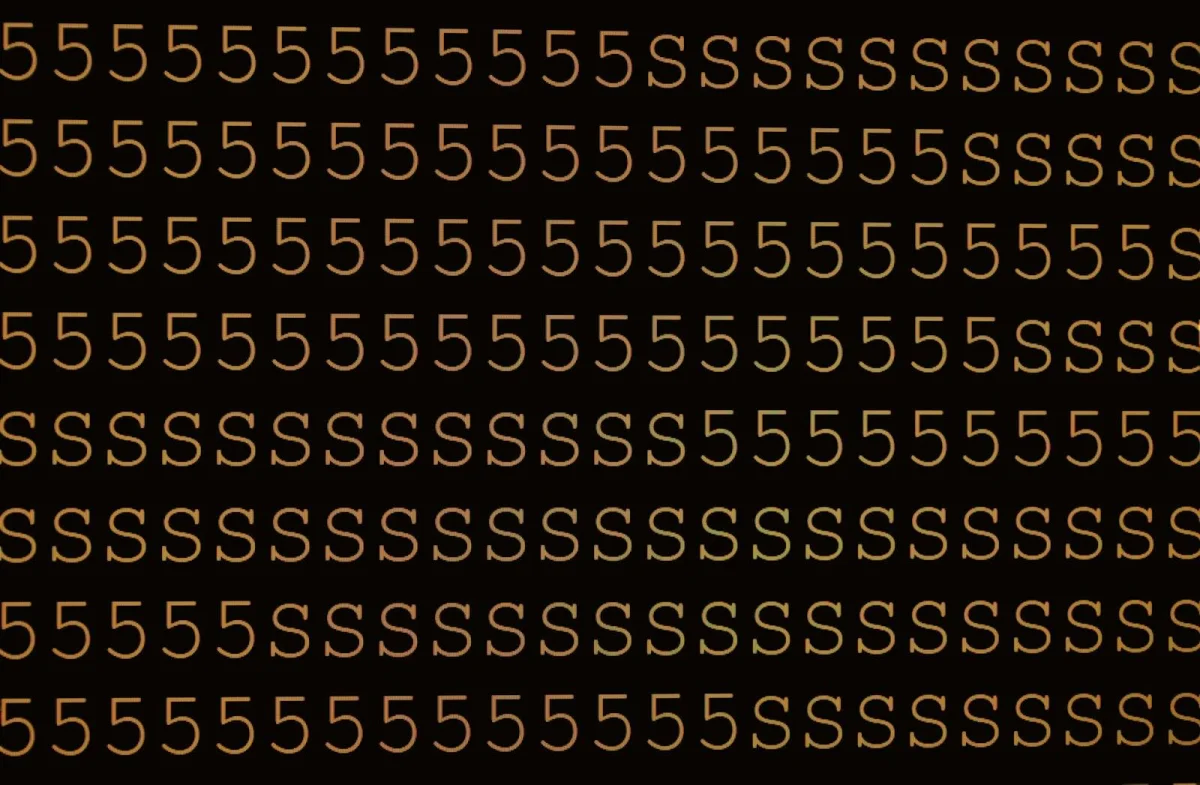
Homoglyphs are different characters that look visually identical (or near-identical) to common Latin characters. Unicode contains many:
| Latin | Homoglyph | Unicode |
|---|---|---|
| a | а | U+0430 (Cyrillic а) |
| e | е | U+0435 (Cyrillic е) |
| o | о | U+043E (Cyrillic о) |
| p | р | U+0440 (Cyrillic р) |
| c | с | U+0441 (Cyrillic с) |
| i | і | U+0456 (Cyrillic і) |
These are used in IDN (Internationalised Domain Name) homograph attacks:
example.com vs еxample.com (Cyrillic е in the second)
The two domain names look identical but resolve to completely different servers. A phishing site at the Cyrillic version of a well-known bank's domain would be visually indistinguishable to most users. Browsers now display Punycode representation for mixed-script domains (xn--xample-oi8b.com) as a mitigation.
Invisible character text watermarking
Zero-width characters can encode binary information invisibly within text. By inserting combinations of zero-width spaces and zero-width non-joiners at specific positions in a document, each recipient can receive a uniquely marked copy — identical in appearance but with a distinctive invisible fingerprint.
If a document leaks, the watermark identifies which copy was the source. This technique has been documented in:
- Leaked government and corporate documents
- Pastebin leak attribution
- Identification of whistleblowers
The technique is relatively simple and doesn't require sophisticated tools — any tool that can insert and read Unicode code points can implement it.
Detection: tools like the Whitespace Cleaner at sadiqbd.com strip zero-width characters, revealing whether they're present. Text comparison tools that show character-level differences also expose invisible characters.
Unicode normalisation forms
Unicode text can represent the same visual character in multiple ways:
Precomposed vs. decomposed: "é" can be represented as a single code point U+00E9 (precomposed, NFC form) or as "e" followed by a combining acute accent U+0301 (decomposed, NFD form). Both look identical but are different byte sequences.
Comparison failures: "café" == "café" may return false if one uses the precomposed é and the other uses the decomposed form.
Normalisation forms:
- NFC (Canonical Decomposition, followed by Canonical Composition): precomposed form, most common on the web
- NFD (Canonical Decomposition): fully decomposed form
- NFKC/NFKD: compatibility normalisation, also maps visually similar characters (like fi ligature → fi)
Fix: normalise text to NFC before string comparisons, database storage, or any operation where two strings that look identical should compare as equal.
import unicodedata
def normalize(text):
    return unicodedata.normalize('NFC', text)
How to use the Whitespace Cleaner on sadiqbd.com
- Paste your text — the content to clean
- Select cleaning options:
- Remove zero-width characters (U+200B, U+FEFF, and related)
- Normalise spaces (replace non-breaking spaces, thin spaces, em spaces with regular spaces)
- Collapse multiple spaces to single space
- Trim leading/trailing whitespace
- Normalise line endings (Windows CRLF → Unix LF)
- Clean — the tool processes and returns normalised text
- Copy — paste into your target application
Frequently Asked Questions
How do I detect if a string contains invisible characters in code?
# Python: detect non-ASCII, non-standard whitespace
import unicodedata
def has_invisible(text):
    for char in text:
        cat = unicodedata.category(char)
        if cat.startswith('C') or cat == 'Zs' and char != ' ':
            return True
    return False
// JavaScript: find zero-width and bidirectional control characters
const invisiblePattern = /[\u200B-\u200F\u202A-\u202E\u2060-\u2064\uFEFF]/g;
const hasInvisible = text => invisiblePattern.test(text);
Why does text copied from PDFs often have whitespace problems? PDF text extraction doesn't always preserve word spacing reliably — hyphens, ligatures (fi, fl), and word boundaries can produce unexpected characters when extracted. Always clean text copied from PDFs before processing it.
Is the Whitespace Cleaner free? Yes — completely free, no sign-up required.
Invisible characters are the dark matter of text processing — invisible to users, consequential to systems. Cleaning them proactively prevents the category of subtle bugs where two strings that look identical aren't.
Try the Whitespace Cleaner free at sadiqbd.com — remove invisible characters, normalise spaces, and clean any text for reliable processing.