Website Speed Test
Check load time, TTFB, DNS, connect time, and performance rating for any URL
Frequently Asked Questions
loading="lazy"; and remove unused dependencies from your JavaScript bundles.About This Website Speed Test
This free Website Speed Test sends a real HTTP request from our server to any URL and measures every phase of the connection — DNS resolution, TCP handshake, TLS negotiation, Time to First Byte (TTFB), and total response time. Results also include response size, HTTP status code, server headers, and an overall performance rating. Results reflect raw server performance, not browser rendering time.
When to use this tool
- Check how fast a website responds from a data-centre connection
- Diagnose high TTFB caused by slow server-side processing
- Compare hosting providers or CDN configurations objectively
- Verify that caching headers or a CDN are reducing response time
Timing Metrics Reference
| Metric | Excellent | Good | Poor |
|---|---|---|---|
| TTFB | < 200 ms | 200–800 ms | > 800 ms |
| Total Load Time | < 1 s | 1–3 s | > 3 s |
| DNS Lookup | < 100 ms | 100–300 ms | > 300 ms |
| TLS Handshake | < 100 ms | 100–300 ms | > 300 ms |
Standards & References
Related Internet Tools
Related Articles
View all articles
What a Website Speed Test Actually Measures — and Why Two Tools Testing the Same URL Give Different Scores
Running the same URL through PageSpeed Insights and GTmetrix can produce completely different scores — not because one is wrong, but because they measure different things from different locations using different methodologies. Here's what website speed tests actually measure (TTFB, FCP, LCP, TBT, CLS), the lab vs field data distinction, why scores vary between tools, and which metrics actually correlate with rankings and user experience.

Why a 95 Website Speed Score Doesn't Mean Real Users Experience It as Fast — Lab Data vs Field Data
A website scoring 95 in a lab speed test can still feel slow to real users — lab tests run on powerful servers with fast connections and empty caches, while real users are on phones, on 4G, seeing your site for the first time. Here's the lab vs field data distinction, what LCP/INP/CLS actually measure, why slow TTFB sets a floor no client-side fix can overcome, and the specific changes that move each Core Web Vital the most.

Bufferbloat: Why a 300 Mbps Speed Test Result Can Coexist With Terrible Video Call Quality
A speed test showing 300 Mbps can coexist with terrible video call quality — because throughput and latency-under-load are different things, and bufferbloat is specifically a latency problem that high throughput doesn't fix. Here's how oversized buffers interact with TCP to cause latency spikes under load, why AQM algorithms like CoDel and CAKE fix this, and how to actually test for it.
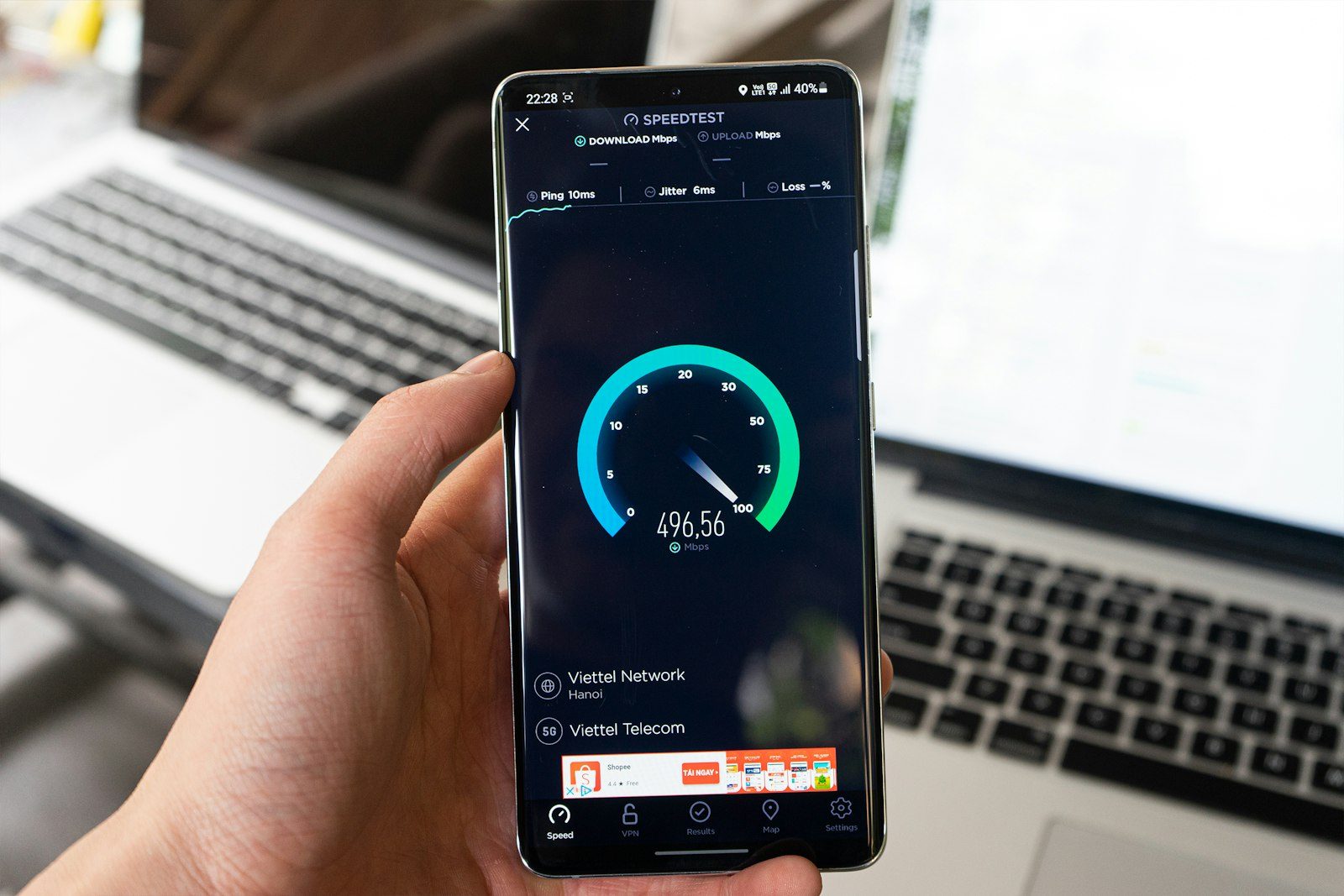
How Much Internet Speed Do You Actually Need? What Streaming, Video Calls, and Remote Work Require
Gigabit broadband is overkill for most households — a family of four watching 4K and video calling needs about 150 Mbps download. Here's what different activities actually require, why upload speed matters more for remote work than download, and how to run a speed test that reveals actual performance.

Why Your Speed Test Looks Fine but Everything Still Feels Slow
High speed test numbers don't guarantee fast internet. Latency, bufferbloat, WiFi overhead, and ISP congestion all affect real-world performance in ways throughput tests don't capture. Here's how to read speed test results and diagnose actual slowness.
